Real-time voice translation for logistics teams at the dock, on the route and on the phone
Keep a dispatcher, driver, warehouse lead or delivery partner aligned when a short spoken instruction crosses languages. Connect helps the team hear the conversation, then verify the identifiers and timing that move the load.
Test a logistics call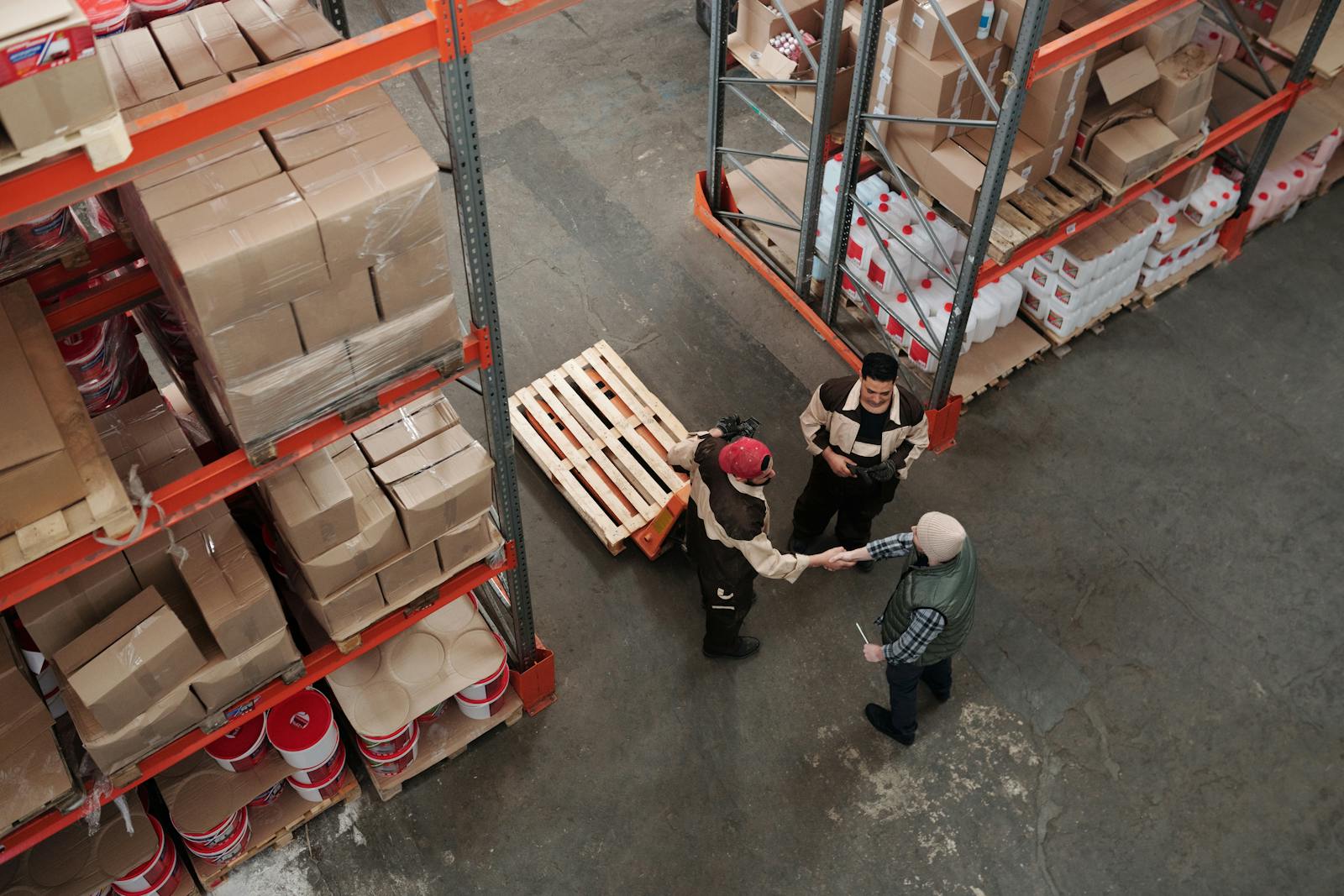
How a dispatch handoff moves from speech to action
The dispatcher and driver hear the conversation through the audio layer, then verify the operational facts before movement.
The real logistics problem is usually a handoff
Logistics translation pages often begin with freight documents, customs, labels and supply-chain content. Those jobs matter, but they are not the same as a dispatcher asking a driver to move to another gate, a dock lead clarifying a seal number or a carrier calling about an exception.
Real-time voice translation for logistics should begin with the spoken handoff. The team needs a repeatable way to state the location, identify the load, name the appointment and confirm the action. Connect is a desktop audio layer for compatible calling apps and softphones; it can support the conversation while the operation’s own system remains the source of truth.
Orient
Name the site, gate, dock or route segment. Short context reduces the chance that a translated place name sounds like a different destination.
Identify
Say the load, shipment, trailer, seal or order identifier slowly. Treat it as a read-back item, not a casual noun.
Act
State the next movement and the person responsible: hold, release, move, call back, send a photo or wait for a supervisor.
Give the team language that matches the shift
| Moment | Plain spoken prompt | Confirm before acting |
|---|---|---|
| Arrival | “Which gate are you at, and what do you see on the sign?” | Gate, yard or dock location. |
| Load | “Please read the load number and the seal number back to me.” | Identifier, digits and sequence. |
| Appointment | “Your appointment is for this window. Are you asking to check in now or reschedule?” | Date, time zone and requested action. |
| Exception | “Stop at the safe point. I am escalating this to the shift lead.” | Immediate instruction and escalation owner. |
Design for the call you actually have
Before the call
Use a headset or microphone that keeps the speaker close to the input. Close unrelated audio, choose the correct source and target languages, and run a short test before the driver or dock team is waiting.
During the call
Use short turns. Ask one question. Wait for the response. If a name, code, location or quantity sounds uncertain, repeat the original item and ask for a direct read-back.
After the call
Write the confirmed action in the operational system. A translated call may help two people understand one another, but it does not replace the record your shift depends on.
When the audio fails
Switch to the team’s established fallback: a human language line, bilingual supervisor, written confirmation or another authorized route. Do not keep escalating volume and guessing.
Use one checklist before the vehicle or shipment moves
This is a deliberately small control. It is useful for a dispatcher speaking with a driver, a warehouse lead calling a carrier or an operations manager clarifying an exception.
Read it in one sequence
- Load or shipment identifier
- Trailer, container or vehicle reference
- Seal or package identifier, if relevant
- Current location and destination
- Appointment or expected handoff time
Ask for the read-back
“I will repeat the movement: load [identifier] goes to dock [location] for the [time] appointment. Please read back the load number and dock.” If anything changes, state that it is a change and identify who approved it.
Keep the translation aid beside the operation’s source of truth
The repository’s setup guide covers installing Connect, selecting source and target languages, choosing one-way or two-way mode, and routing the calling app through Connect Mic and Connect Speaker. The integration guide describes the audio-layer pattern for compatible softphones, browser calls and meeting tools. Verify the exact device and app path before a live shift.
Connect can assist with routine spoken coordination. It is not a replacement for the operation’s safety procedure, dispatch authorization, written shipping record or human escalation path. For a safety-critical instruction, stop and use the procedure your organization has approved.
For logistics calls, speech providers may process the live audio, and their retention terms can differ. The Trust Center and Privacy Policy describe encryption in transit, optional transcripts and optional voice matching. Review those disclosures before using sensitive shipment or customer information.
A dock dialogue built around read-back
The visual keeps the words short because the operational system, not the translated call, remains the source of truth.
Dispatcher
“Name the gate and read the load reference slowly.”
“I will repeat the movement before you act.”
Shared read-back
Location → identifier → appointment → action
“Load [reference] goes to dock [location] for the stated appointment. Please read back the load and dock.”
Driver
“I am at [location]. The reference is [identifier].”
“I understand the next action.”
| Decision point | AI aid | Human interpreter | Hybrid workflow |
|---|---|---|---|
| Routine handoff | Useful when the team can verify codes and location. | Use for safety-critical or formal instructions. | AI supports the handoff; operations owns authorization. |
| Identifier or time | Separate it from surrounding speech and read it back. | Use if the detail cannot be confirmed. | Keep the supervisor available for exceptions. |
| Noise or overlap | Move, shorten turns and repeat. | Take over when the message remains uncertain. | Use the approved written or human fallback. |
Before the conversation
- Name the site, gate, dock or route segment.
- Separate identifiers from surrounding speech.
- Repeat the appointment and time context.
- Write the confirmed action in the operational record.
Voice glossary
- Handoff
- A spoken transfer of responsibility or information.
- Identifier
- A load, shipment, trailer, seal or order reference.
- Exception
- A situation that needs a supervisor or approved fallback.
Show the route before you route sensitive speech
This is the documented processing model: the live audio can leave the local call path for speech and voice processing, and provider retention can differ.
Put the call beside the physical handoff
Each situation below has a place, an identifier and an action to read back before movement.
Name the place
Ask the driver to identify the gate, dock or staging point. Keep the location separate from the shipment reference.
Name the exception
State what changed, who owns the next update and when the operation should be checked again.
Name the action
Read back the load or order identifier and the next movement. Escalate when the detail cannot be confirmed.
Continue with the Logistics & Dispatch guides
These internal guides extend the workflow on this page with setup, decision and language questions.
Real-time voice translation for logistics dispatch
Use location, identifier and action as a compact dispatch read-back.
Read the guide →Live callsHow to Translate a Phone Call in Real Time
Review the audio path for a live operational call.
Read the guide →FoundationsHow Real-Time Voice Translation Works
Understand the translation path before testing a dispatch workflow.
Read the guide →QualityThe Biggest Challenges With Live AI Interpretation Technology
Prepare for overlap, uncertainty and the need for a human fallback.
Read the guide →Logistics voice translation, answered
Is this for logistics documents or live calls?
This page is about live spoken calls and handoffs. Customs forms, bills of lading, contracts and other written documents need their own translation and review workflow.
How can we reduce errors with numbers and codes?
Say the identifier slowly, separate it from surrounding speech, and ask the other person to read it back. Confirm the location and action as well as the number.
Can Connect work with a dispatcher’s existing calling app?
The product is documented as an audio layer for compatible calling apps, softphones, browser calls and meeting tools. Test the team’s real hardware and application before rollout.
What if the call is too noisy?
Improve the microphone path, move to a quieter point where possible, shorten turns and use the operational fallback if the message still cannot be confirmed.
Where should teams review data handling?
Read the Privacy Policy, Trust Center and Subprocessors pages before routing operationally sensitive audio through the workflow.
Test one real dispatch handoff
Choose a dock, driver or exception workflow, write its read-back items, and see whether the audio path supports a clearer shift handoff.
Set up logistics translation